

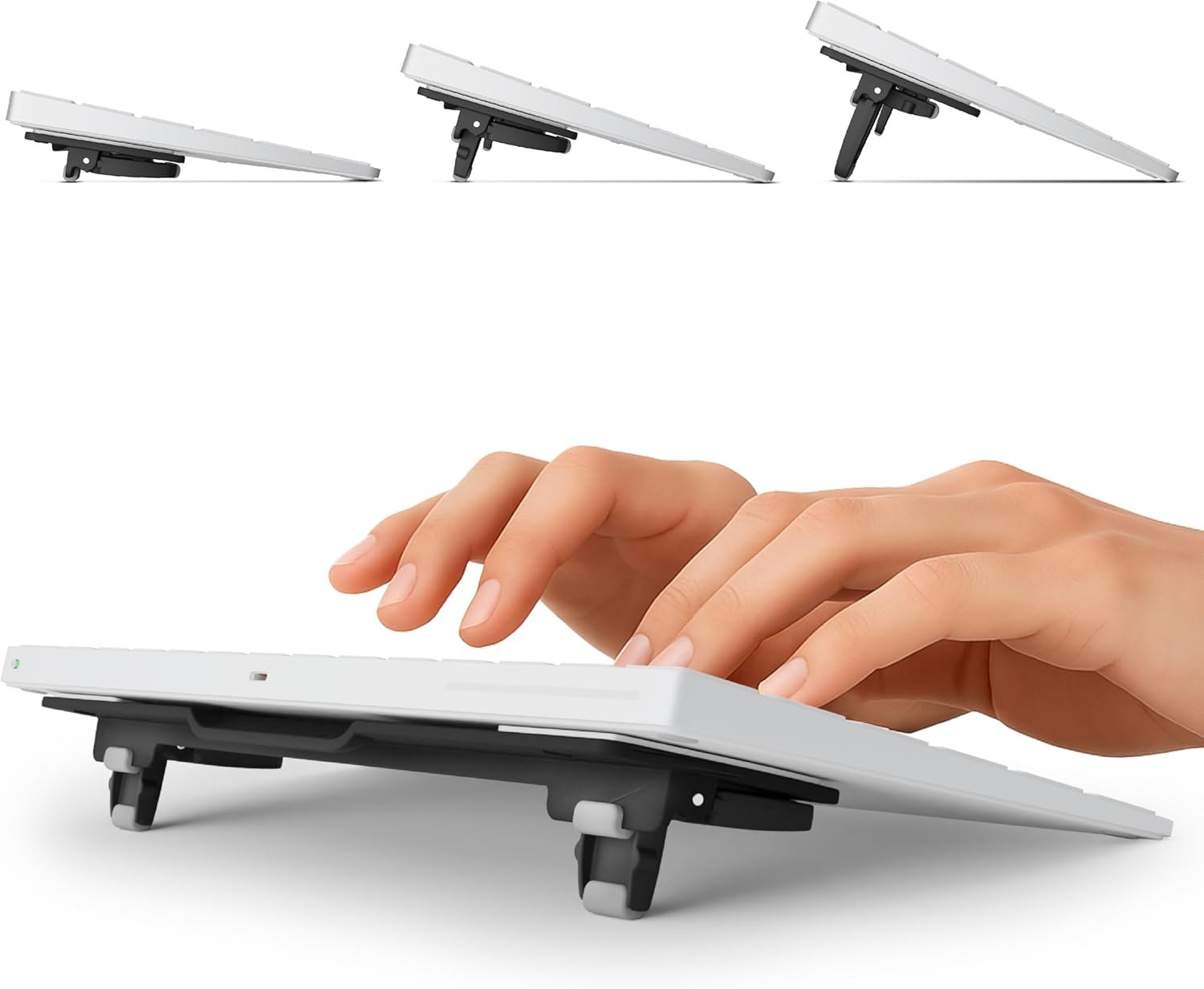
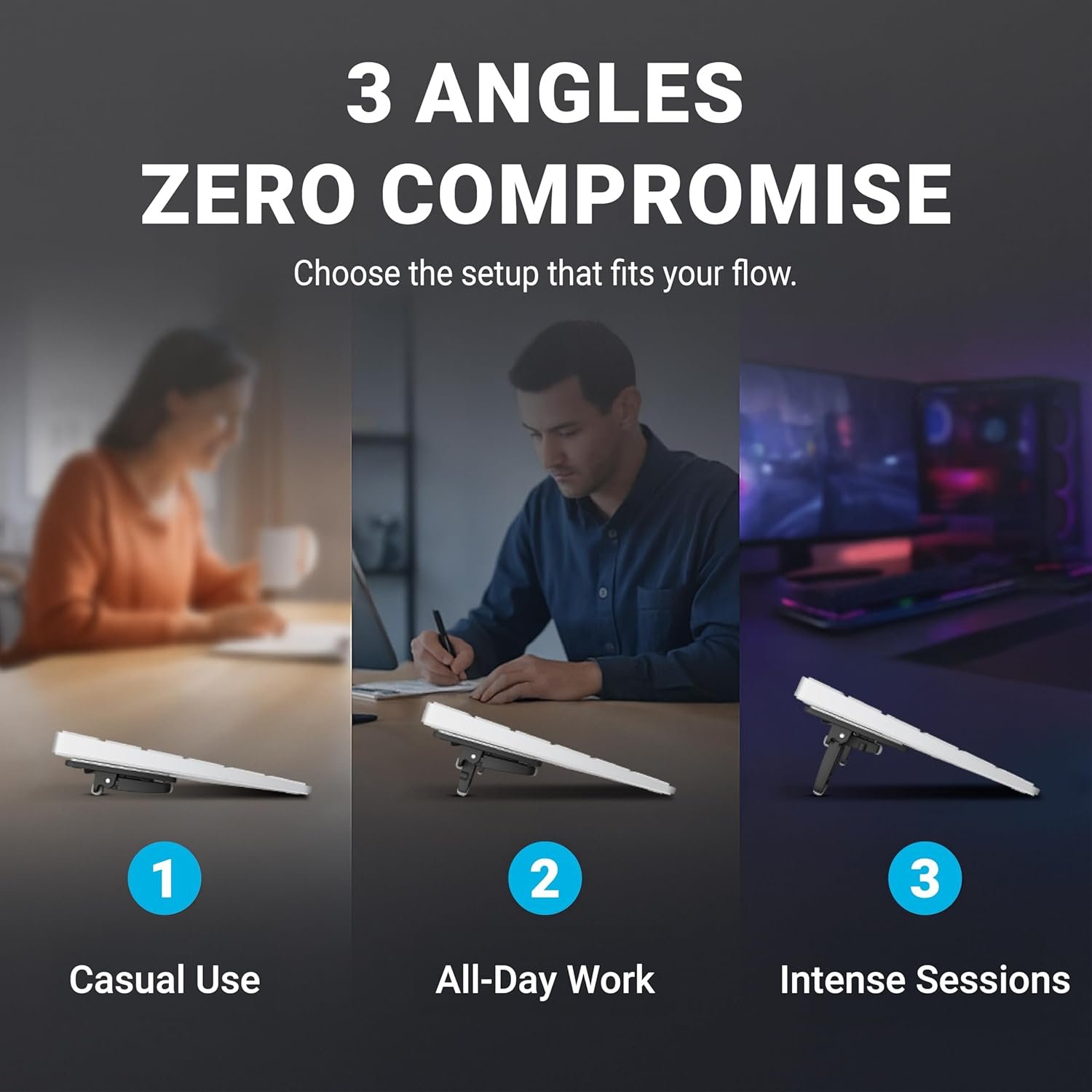
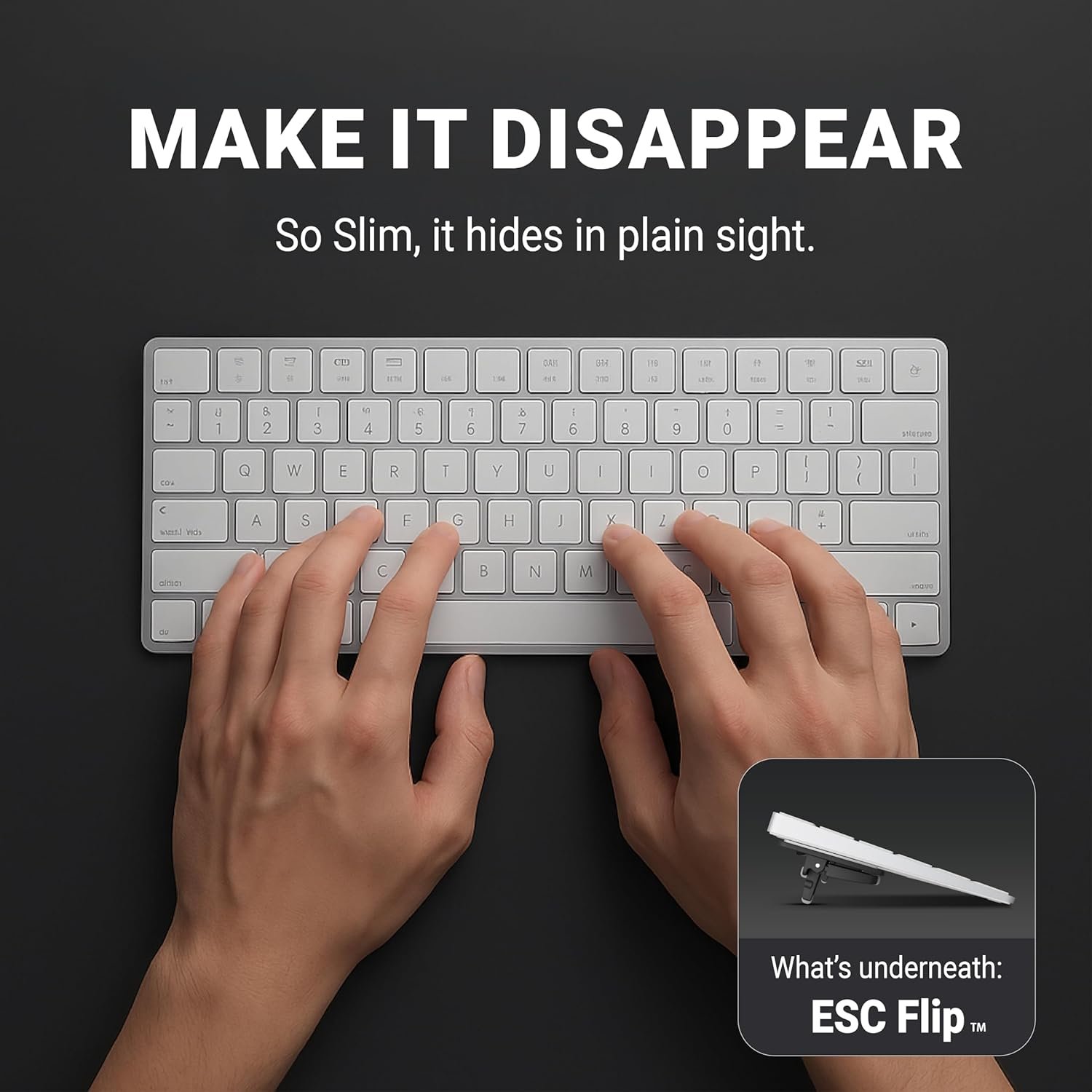


Flip Keyboard Stand for Desk, Compact Tilting Riser with 3 Adjustable Angles
$20.99
About this item
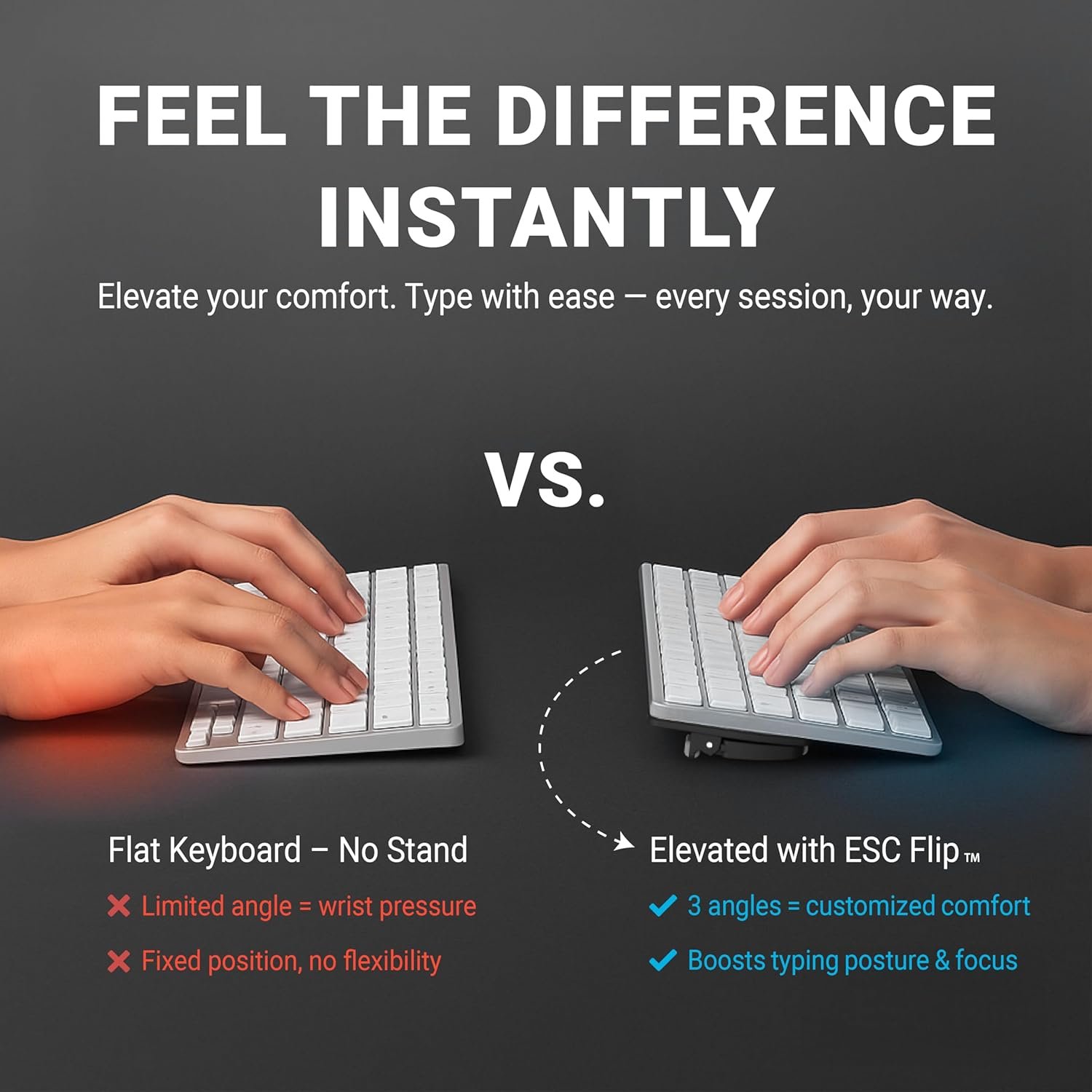
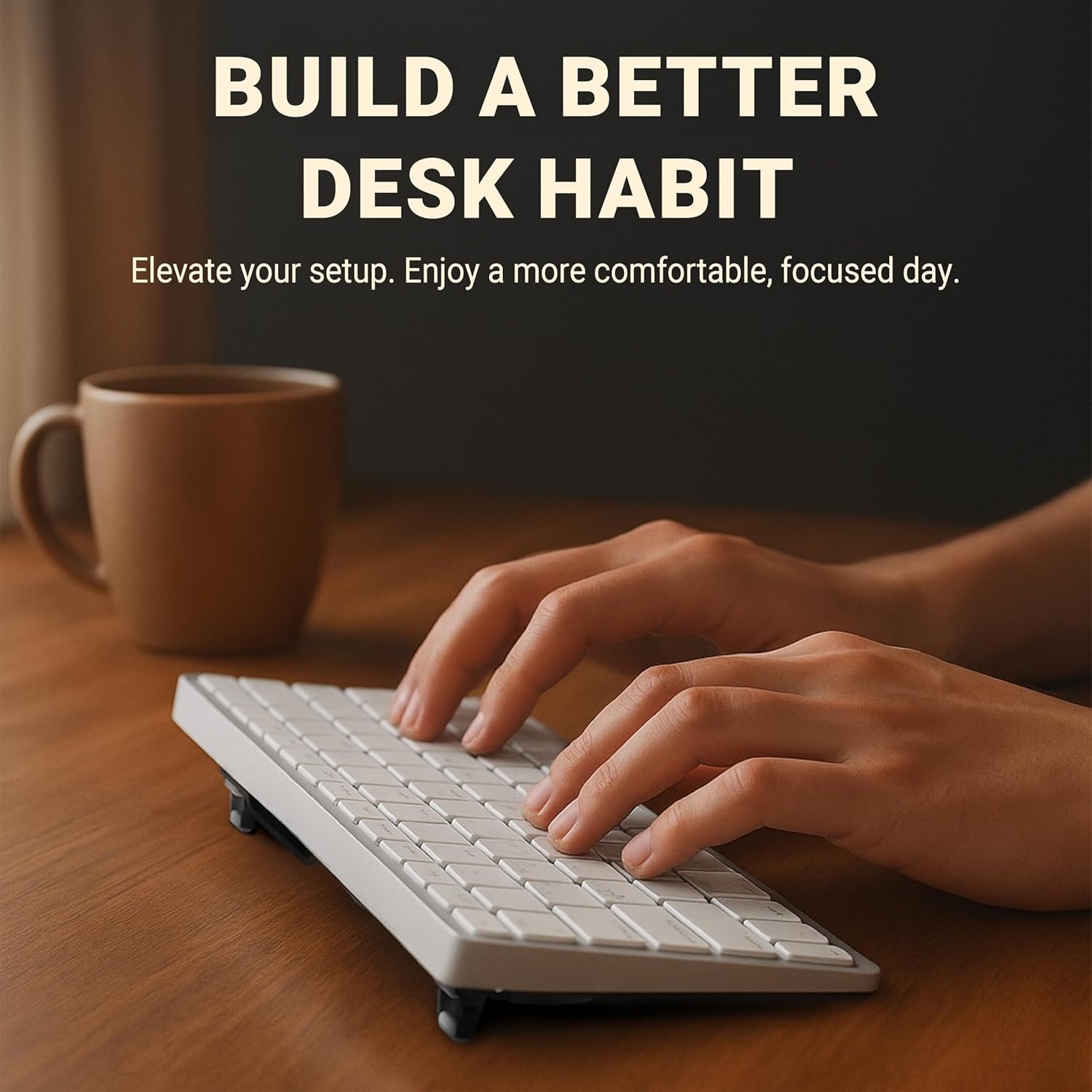
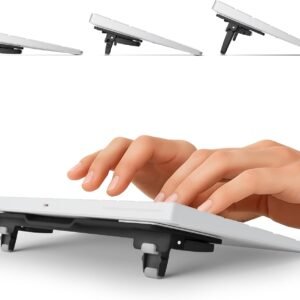
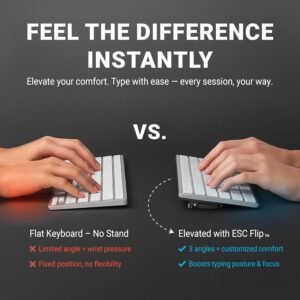
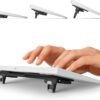
- Ergonomic Tilt Adjustment: Features 3 height levels to reduce wrist strain and improve typing comfort — ideal for home office and long work sessions.
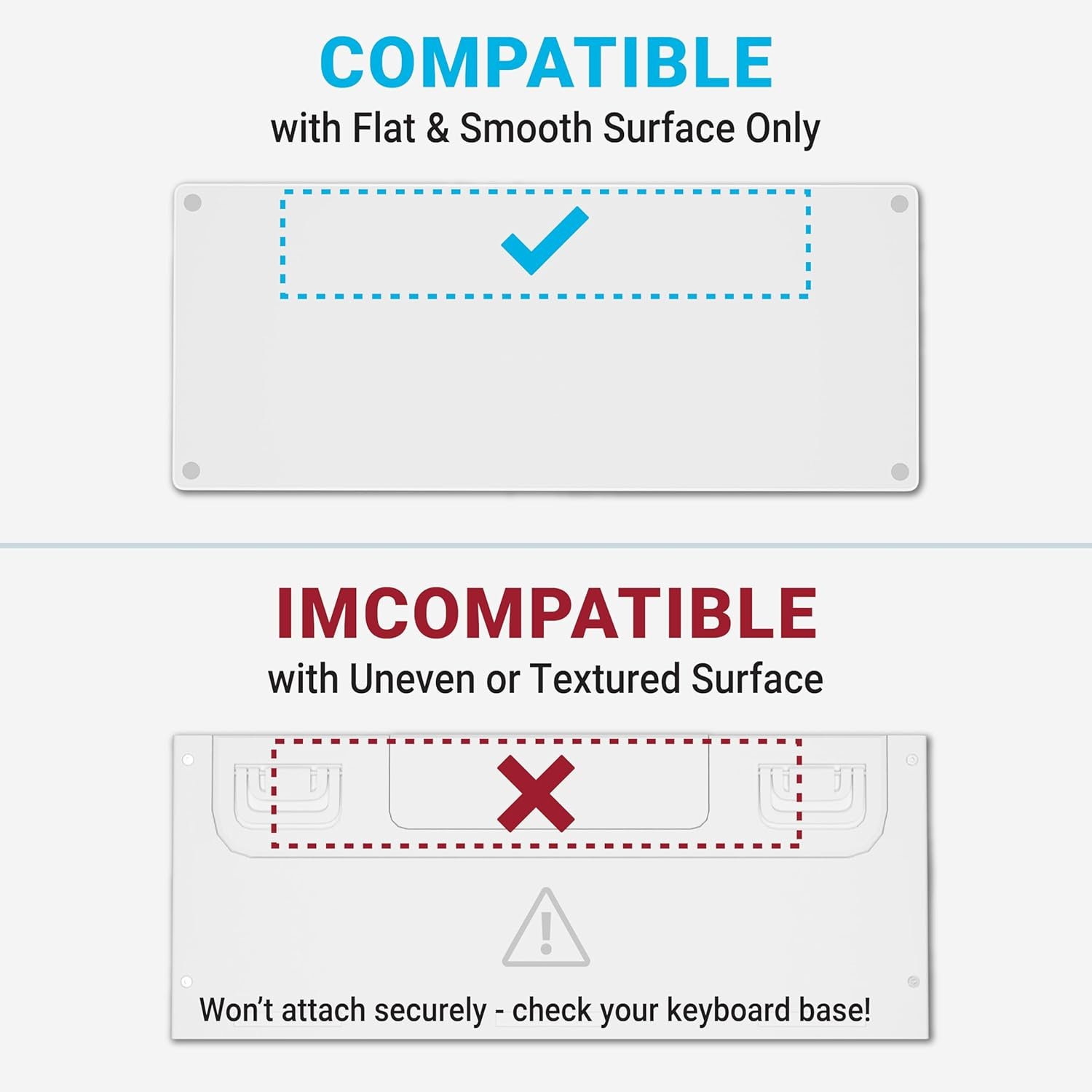
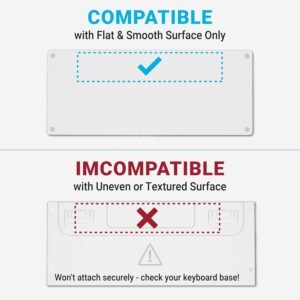
- Compact & Compatible: Designed for flat-back keyboards like Apple Magic Keyboard (no keypad or with). Logitech K380. and more.
- Non-Slip Stability: Rubber foot pads provide a steady grip on all surfaces — no wobble. no scratch. no slide.
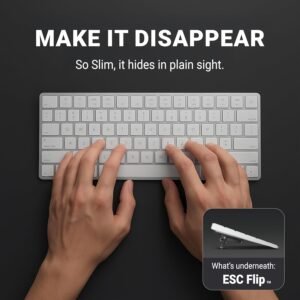
- Space-Saving Design: Slim and minimal — blends into any desk setup without bulk.
- Quick Setup: Mounts securely using reusable Micro Suction Pad — reposition anytime. Keyboard not included.
ESOC Keyboard Stand Series: A Comprehensive Comparison Guide
| Adjustable Height
Yes |
Adjustable Height
Yes |
Adjustable Height
Yes |
| Number of Adjustable Heights
4 |
Number of Adjustable Heights
3 |
Number of Adjustable Heights
2 |
| Extendable Body
Yes |
Extendable Body
No |
Extendable Body
No |
| Compatible Keyboard Size
Compact to Full-Sized |
Compatible Keyboard Size
Compact to Mid-Sized |
Compatible Keyboard Size
Compact to Mid-Sized |
| Anti-Slip Design
Yes |
Anti-Slip Design
Yes |
Anti-Slip Design
Yes |
FAQ about ESOC Flip Keyboard Stand
Q: Which keyboards are compatible with it?
A: It is compatible with all Keyboards compact to full-sized with a flat surface on the back side. Models include the Apple Magic Keyboard. Apple Magic Keyboard with Numeric Keypad. Logitech and Logitech MX Keyboards. SteelSeries. and Amazon Basics. just to name a few.
Q: How does it attach to my keyboard?
A: It attaches to your keyboard effortlessly using washable TPU pads – just remove the protective plastic film for the first time. align it with your keyboard. and place it parallel for optimal results. Note: Failure to position it on the top edge of your keyboard may result in wobbling.
Q: Can I reposition the keyboard stand?
A: YES! You can remove and reposition as desired. If the washable TPU pads get dirty or do not hold securely. simply rinse with warm water while you rub gently with your finger. air dry. and they are restored like new.
Q: Why does It not stick to my keyboard?
A: Common reasons include: 1. Forgetting to remove the protective plastic film during the initial use. 2. Accumulation of dirt on the stick pads. 3. Uneven surfaces such as curves or holes.
Note: Before attaching. ensure to clean the surface of your keyboard for a flawless connection. We recommend using an alcohol wipe for this process. This step maximizes optimal adherence and a seamless integration of our keyboard stand into your workspace.
Proudly Designed in the USA. Patent Pending.
| model | ESC-FLIP, ESC-Flip PRO |
|---|
Be the first to review “Flip Keyboard Stand for Desk, Compact Tilting Riser with 3 Adjustable Angles”
Related products
accessories
Best Selling Products
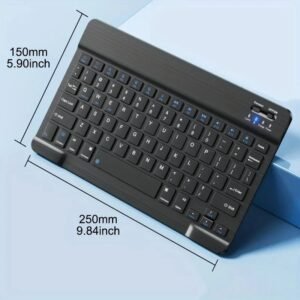
Wireless Keyboard Bluetooth Keyboard For Android IOS Windows Mini 78-Key
Best Selling Products
Best Selling Products
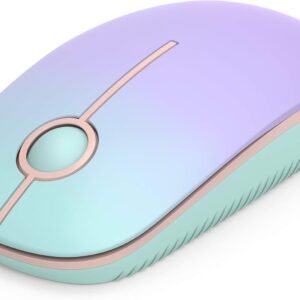
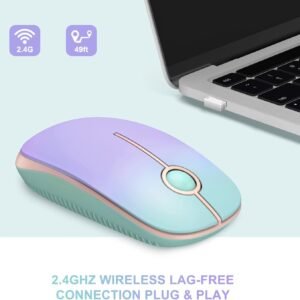
2.4G Slim Portable Computer Wireless Mouse with Nano Receiver
Reviews
There are no reviews yet.